
Buy Bitcoin (BTC) With 170+ Payment Methods
Buy Bitcoin (BTC) with just a few clicks. Choose from 170+ global and local payment methods (incl. Debit Cards, Credit Cards, PayPal, Apple Pay, Google Pay & more) with flexible price quotes.
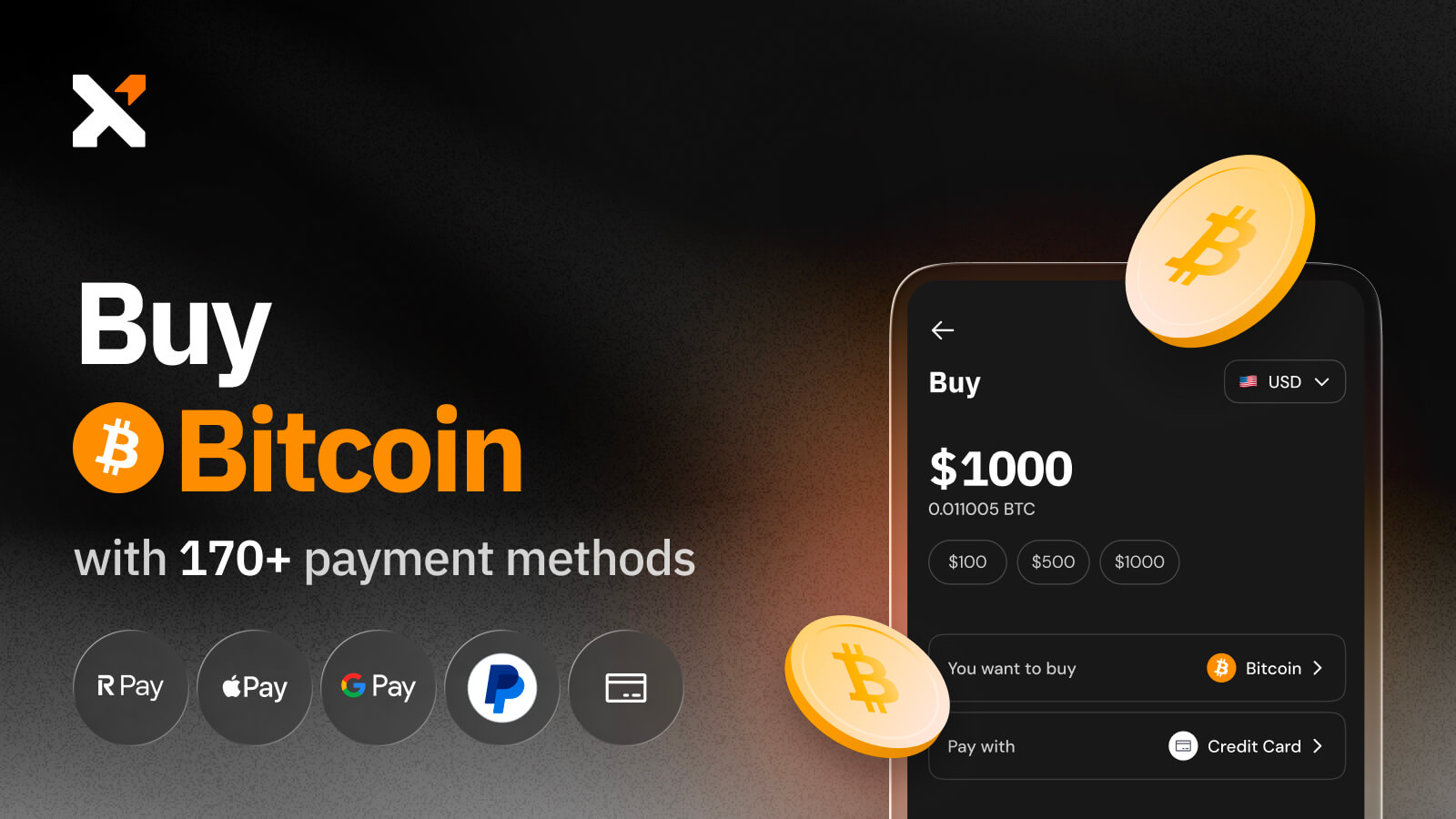
How to Buy BTC Using Xverse, Step by Step
Step 1: Download Xverse Wallet
If you’re new to Xverse, start by downloading the wallet on your smartphone or as a browser extension. Create a new wallet, securely back up your recovery phrase, and you’re ready to go. It will only take you a few minutes to set it up.
Step 2: Click ‘Buy’ & Choose Bitcoin (BTC)
Next, pick the payment option that works best for you. Xverse supports over 170 global and local payment methods, including debit and credit cards, Apple Pay, Google Pay, PayPal, and bank transfers. The available options will depend on your region and the provider you select.
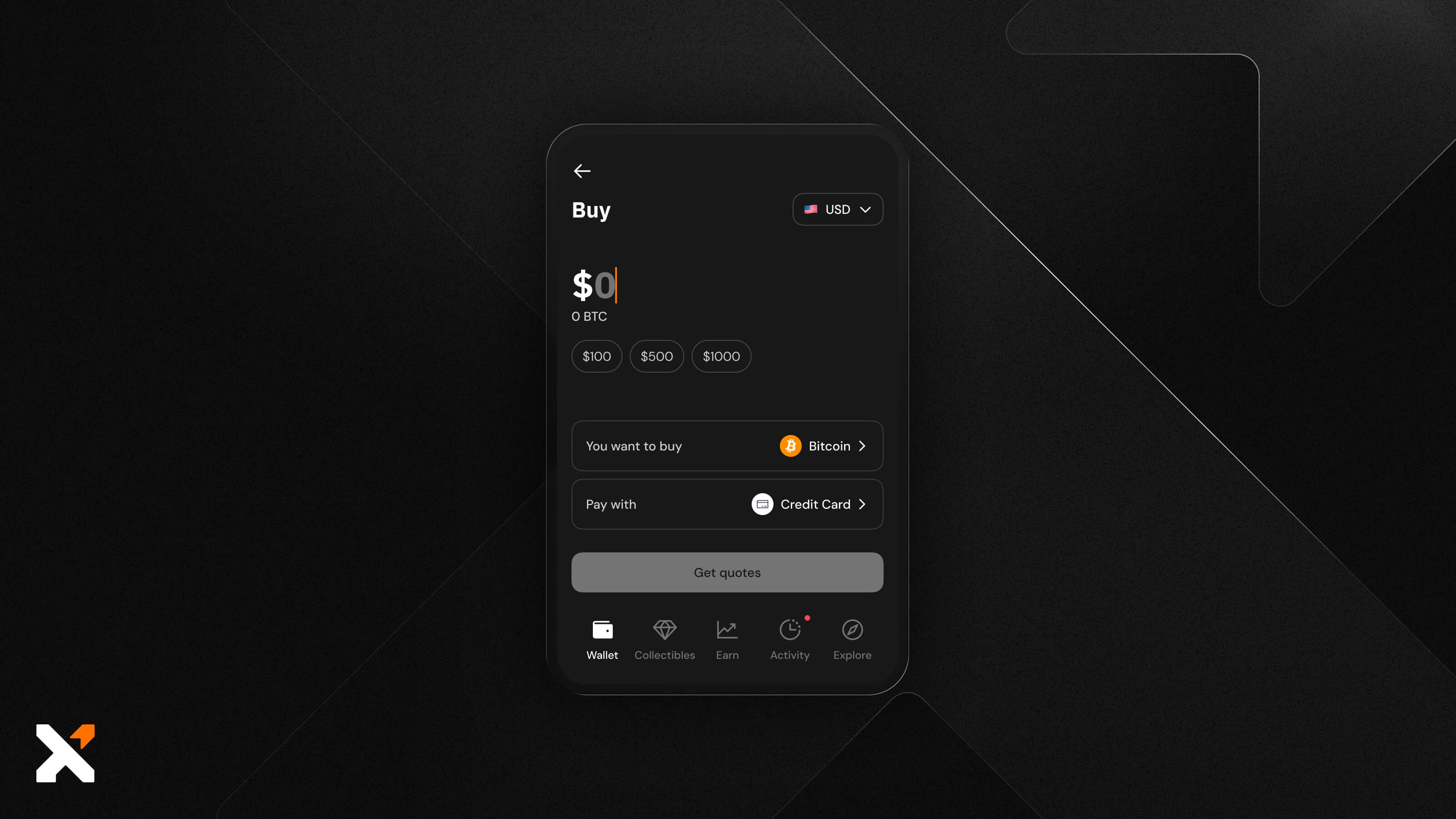
Step 3: Choose a Payment Method
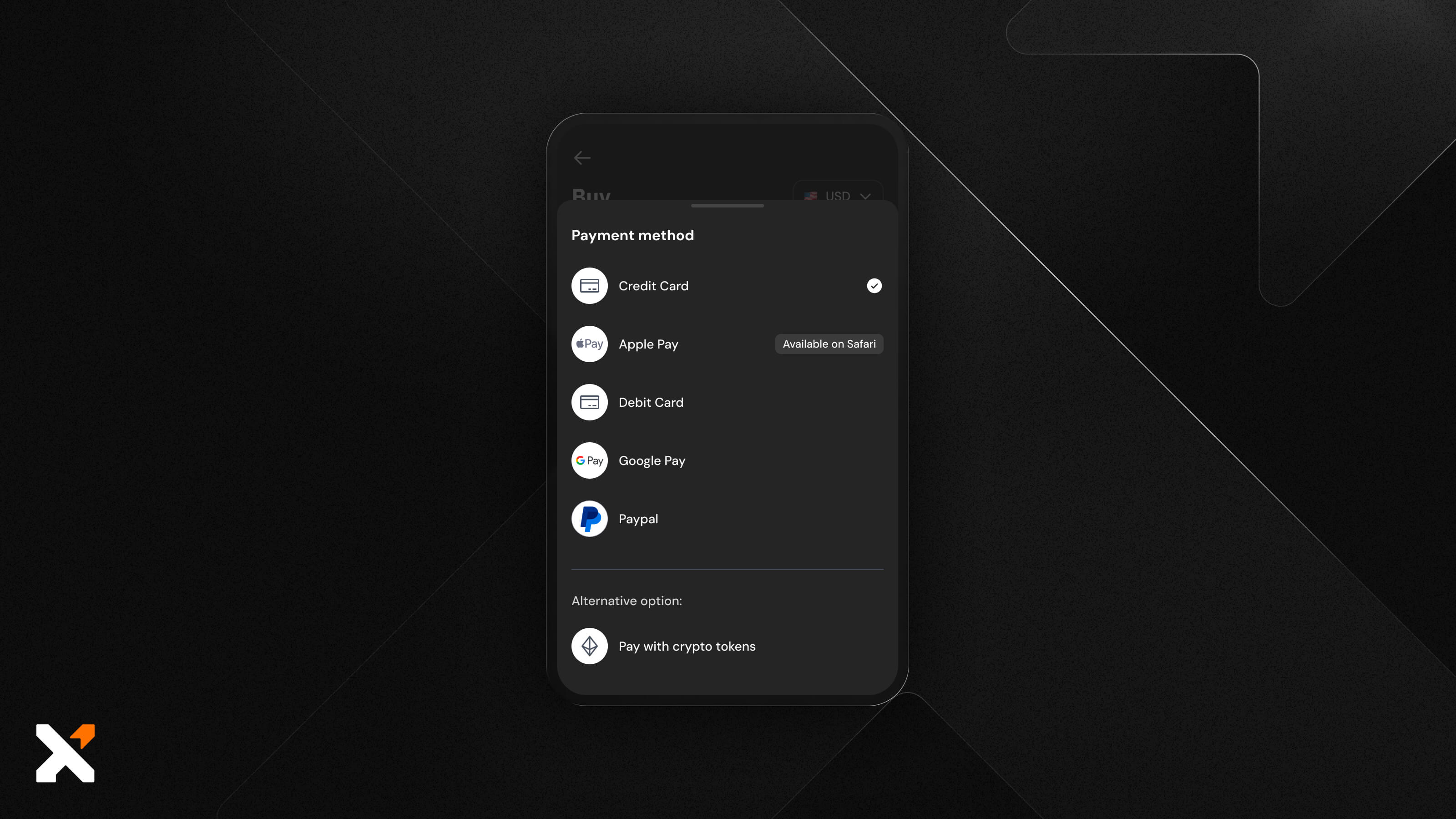
Step 4: Enter the Amount of BTC You Want to Buy & View Real-Time Quotes from Supported Onramps
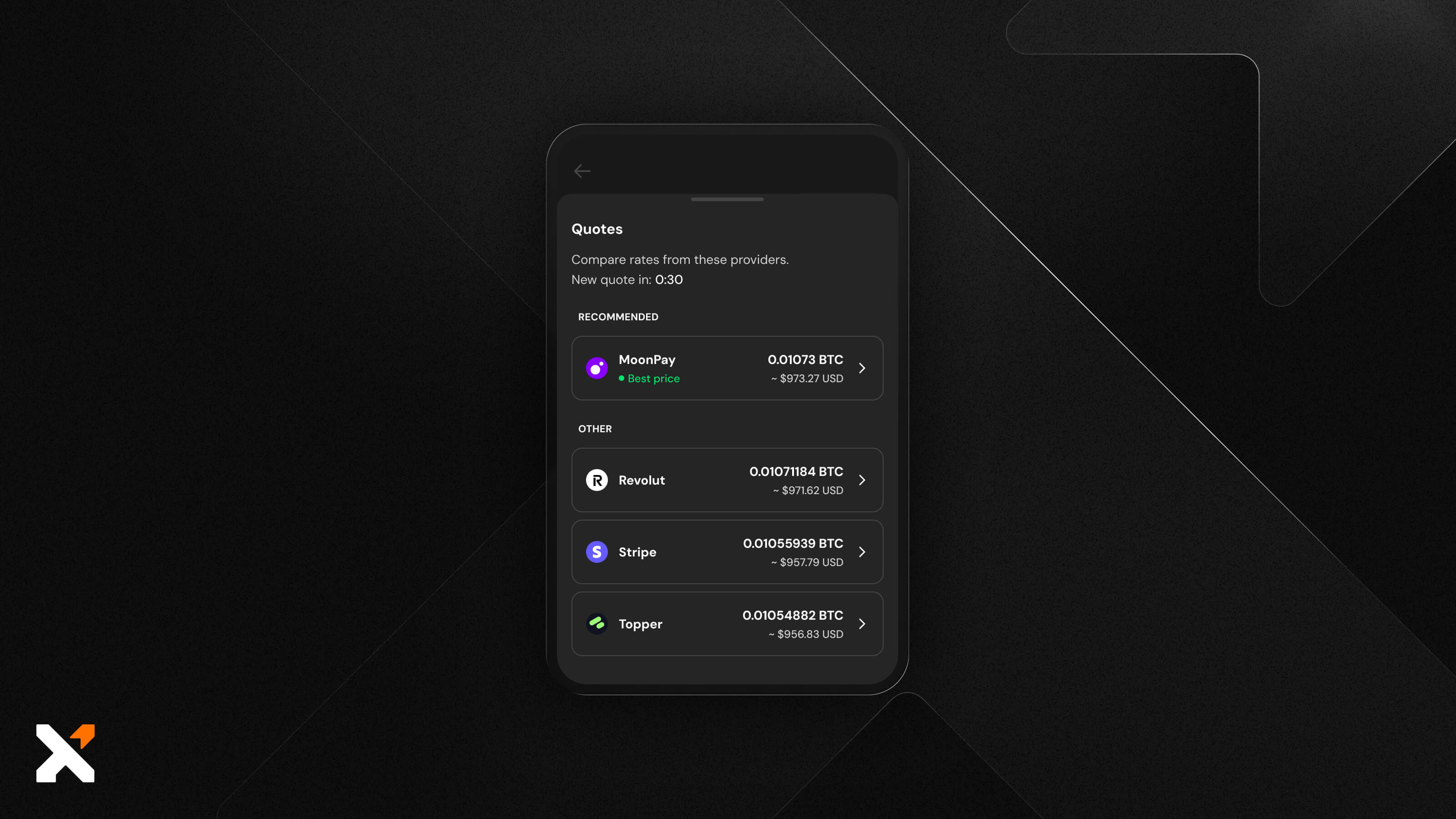
Type in how much BTC you’d like to purchase as a fiat amount (e.g., $100). Then, click on ‘Get Quotes’ to view real-time quotes from multiple onramps, where you will see the total cost, fees, and estimated amount you’ll receive.
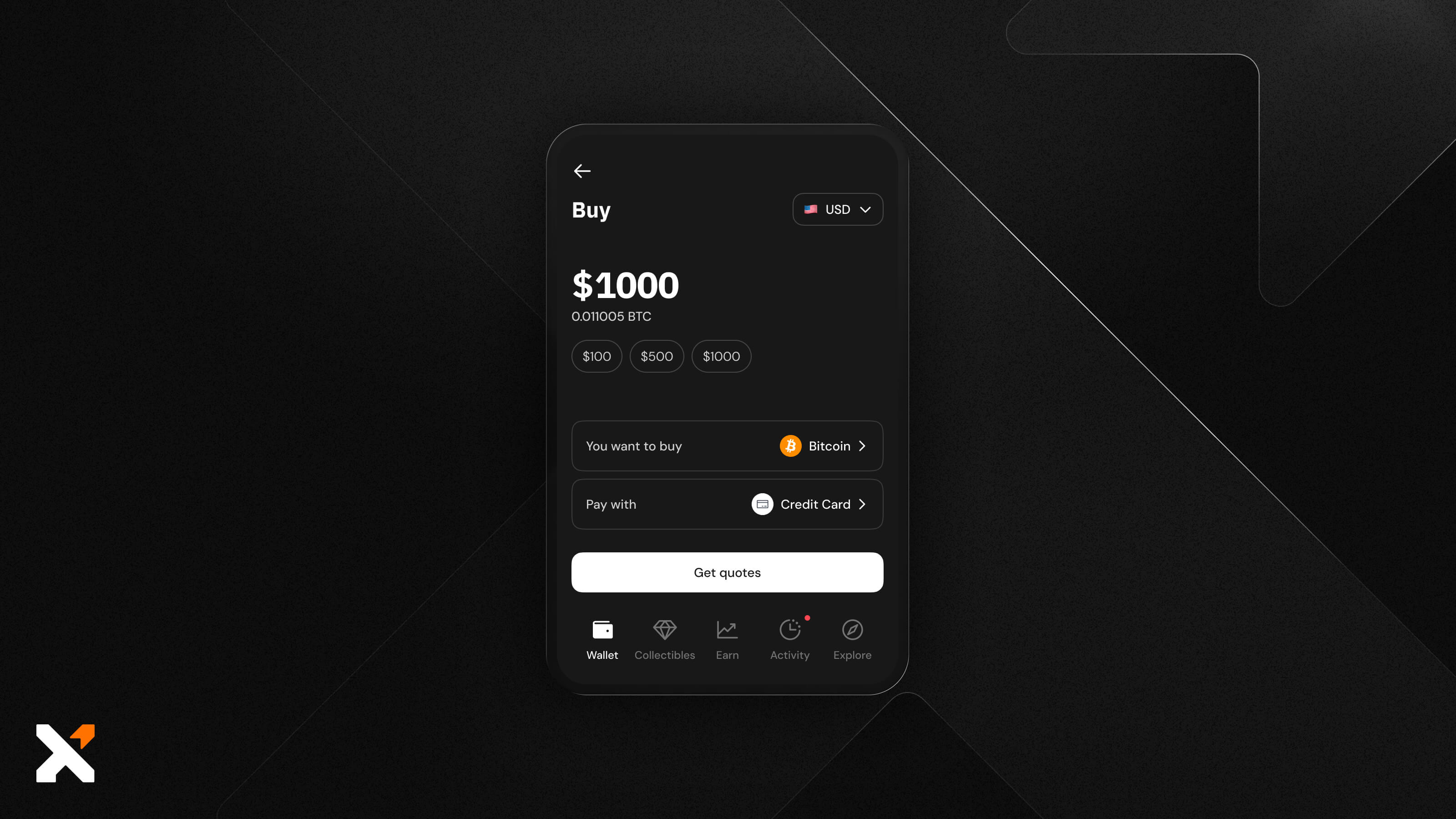
Step 5: Pick an Onramp
Review the quotes and select the provider that best suits your needs. Xverse will always display the provider offering the best price.
Step 6: Finalize Your Purchase
You’ll be redirected to the provider’s checkout page to complete your BTC purchase. Here, you may need to complete a quick KYC verification if it’s your first time using that provider. Then, confirm the payment using your chosen method.
Step 7: Receive Your BTC in Your Xverse Wallet
Once your payment is processed, the provider will send the BTC directly to your Xverse Bitcoin wallet. Most transactions arrive within minutes, and you can view them in your wallet activity tab or check their status on the Bitcoin blockchain explorer.
Why Buy Bitcoin Using Xverse?
Fast
Complete your BTC purchase in minutes. Our trusted third-party onramps source liquidity from reliable partners to offer competitive rates, ensuring fast execution even during peak demand.
Secure & Transparent
Your security is paramount. Xverse is a fully audited app, and you can track your purchase as soon as your provider processes it and the transaction appears on-chain.
Non‑Custodial
Maintain full control of your assets. Xverse never takes custody of your BTC. Crypto purchases are powered by trusted third‑party providers, and your tokens are never held by Xverse, reducing counterparty risk compared to centralized exchanges.
Frequently Asked Questions
What is BTC?
BTC is short for Bitcoin, the world’s first and most widely used cryptocurrency. It operates on a decentralized, peer-to-peer network that allows users to send and receive digital assets without intermediaries. Bitcoin is used as both a currency and a store of value, secured by immutable blockchain technology and maintained by a global network of miners who validate transactions.
How can I buy Bitcoin?
You can buy BTC directly in the Xverse wallet. Simply open the app, tap Buy, select Bitcoin (BTC), choose your payment method, and complete your purchase through one of our integrated fiat onramps.
Where can I buy Bitcoin BTC?
BTC is available on major crypto exchanges and directly through non-custodial wallets like Xverse. Buying through Xverse is often faster and more convenient because you receive your tokens straight into your wallet.
Can I buy BTC using a Debit or Credit Card with Xverse?
Yes. Xverse supports a wide range of payment methods, including debit/credit cards, Apple Pay, Google Pay, PayPal, and local bank transfers. The availability depends on your region and the specific onramp provider you choose.
How much does it cost to buy BTC using Xverse?
Xverse doesn’t charge any fees for purchasing crypto. Service fees are determined by the third-party provider you choose and are displayed before you complete your BTC purchase.
How long does it take for BTC to arrive in my wallet?
Most crypto purchases are completed in minutes. In some cases, depending on network congestion, payment processing times, or KYC verification, it can take up to an hour.
What is the minimum or maximum amount of BTC I can buy?
Minimum and maximum purchase limits vary by provider and payment method. You’ll see these limits displayed during the checkout process before confirming your BTC purchase.
Which payment providers does Xverse use for fiat-to-crypto purchases?
Xverse integrates with trusted onramps such as MoonPay, Transak, Banxa, and others. Availability may vary by region, and you’ll be able to choose the best option during the purchase flow.
.svg)


